How to Check Trouble Codes- Kohler EFI using software diagnostic tool
SBD/MTD Site Access
Login , Create users,
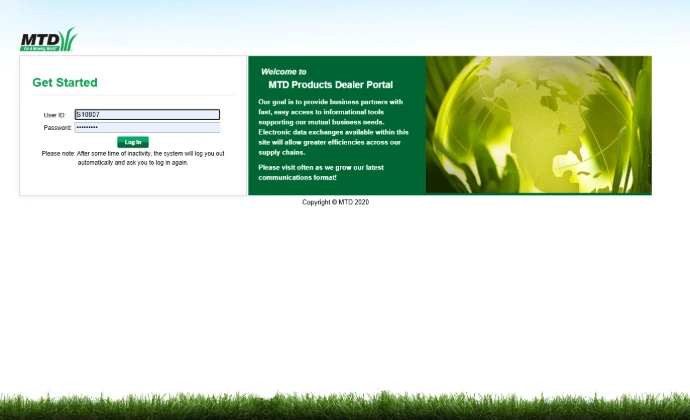
Log in to the Site
Use your SBD account number and password. This will get you access to parts lookup/order, warranty services, and Service advisories.
Create Users
It is a best practice to never do things as the Super user.
We recommend you create users and allow access as needed for each team mate.
Request Assistance
Send us a request for assistance
- Warranties
- Service/Diagnostics
- SRT and Specifications
- More...
SBD/MTD Common Site Actions
Do and Learn Things
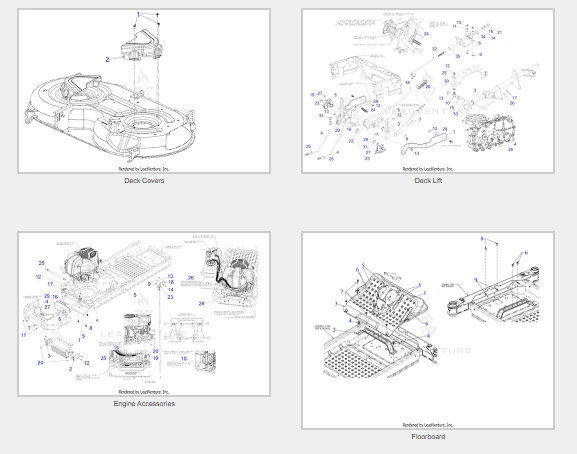
Lookup Parts
See OEM notes and settings
Search The Service Support site
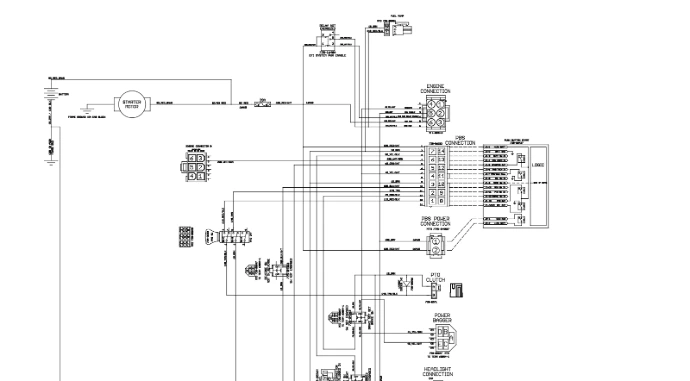
Look for new bulletins, manuals, and yes, even that sneaky electrical diagram for a Lithium-ion
Share Your Wisdom
As the eyes and ears of the industry you maintain our collective Legacy.

Calificación
No hay comentarios por ahora.
para ser el primero en comentar.